Clinical assessment software for aesthetic clinics
A clearer picture. A more considered plan.
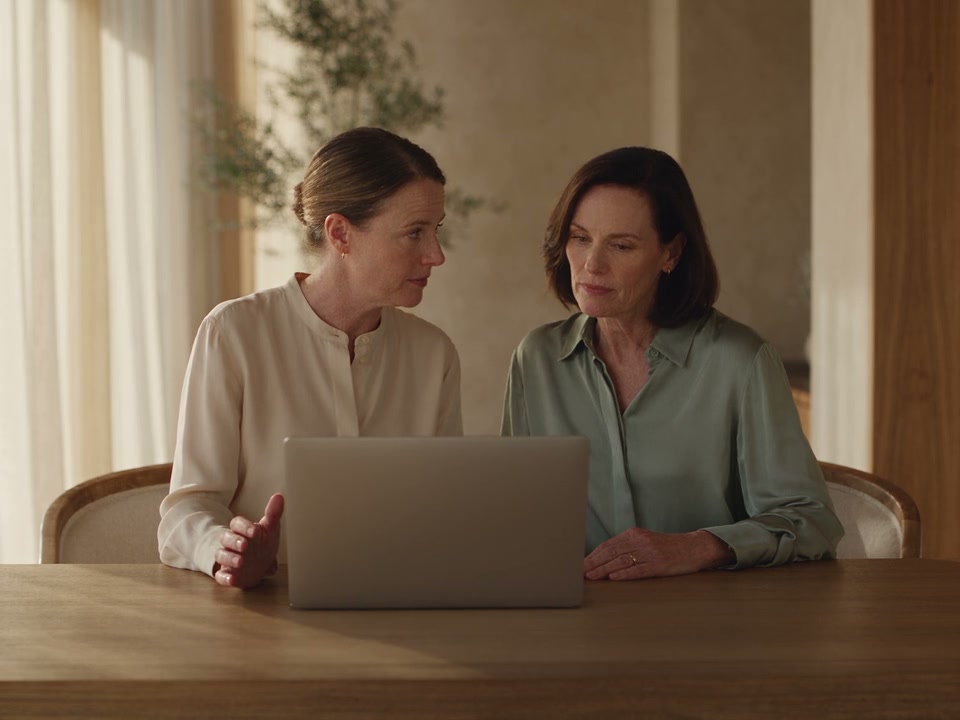
Start with the patient’s priorities. Record your findings beside their photograph, compare with the previous visit and consider matching treatment plans. Bring structure to the consultation while keeping every clinical decision with the practitioner.
At a glance
A shared structure. A personal consultation.
Help every practitioner build a clear picture of the patient, without losing the conversation. Keep what they tell you, what you observe and what you agree to do next connected.
Start with their priorities.
Keep the patient’s concerns and your clinical assessment distinct.
Make the conversation visual.
Record findings beside a photograph and annotate what you want to explain.
Return with context.
Compare recorded grades and review what changed since the previous assessment.
Consider a connected plan.
Review clinic-authored recommendations with the existing plan in view.
See recorded follow-through.
Review assessment activity and recommendations added to treatment plans.
14Shared concerns
26Gradable findings
5Clinical finding groups
A consistent vocabulary for aesthetic consultations.
The consultation starts here
Hear their concern. Record your assessment.
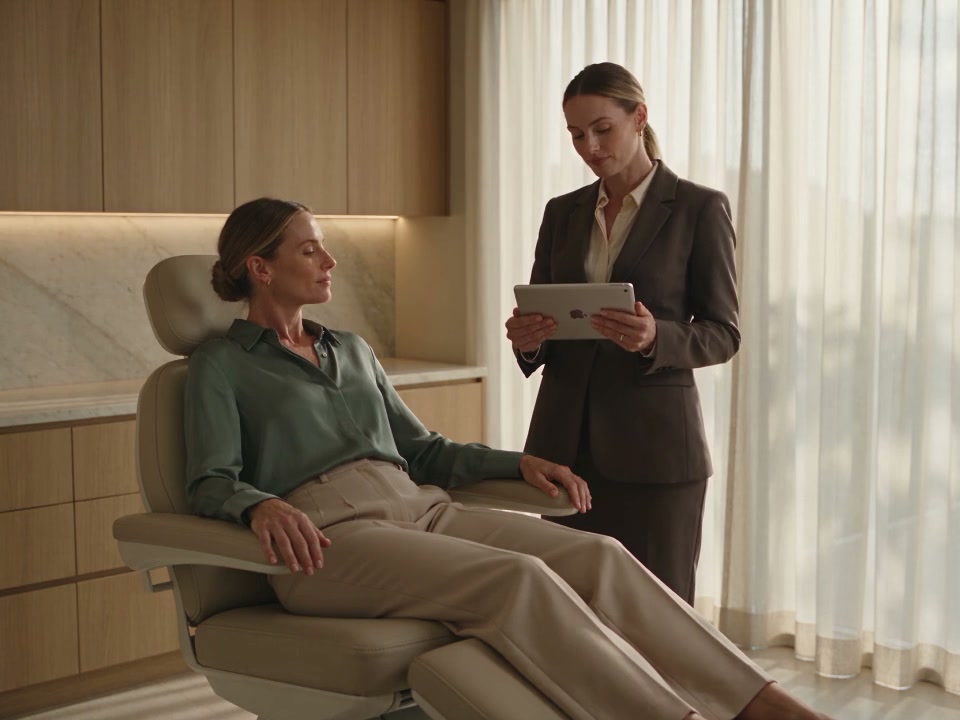
The concern that brings someone to your clinic and the findings you record are different parts of the same conversation. DappleOS keeps patient-reported priorities beside the practitioner’s primary and secondary concerns, so both remain clear.
Patient-reported priorities stay visible while the practitioner records their own primary and secondary concerns.
Start with what brought the patient to your clinic, then consider the findings together.
- Patient-reported concernsBring concerns from patient intake into a new note, ready for the practitioner to review.
- Clinician-validated concernsRecord your assessment separately, using a shared vocabulary across the clinic.
- A consistent clinical structureRecord Fitzpatrick type and findings across wrinkles, volume, firmness, tone and texture.
A visual consultation
Explain it with the patient in view.
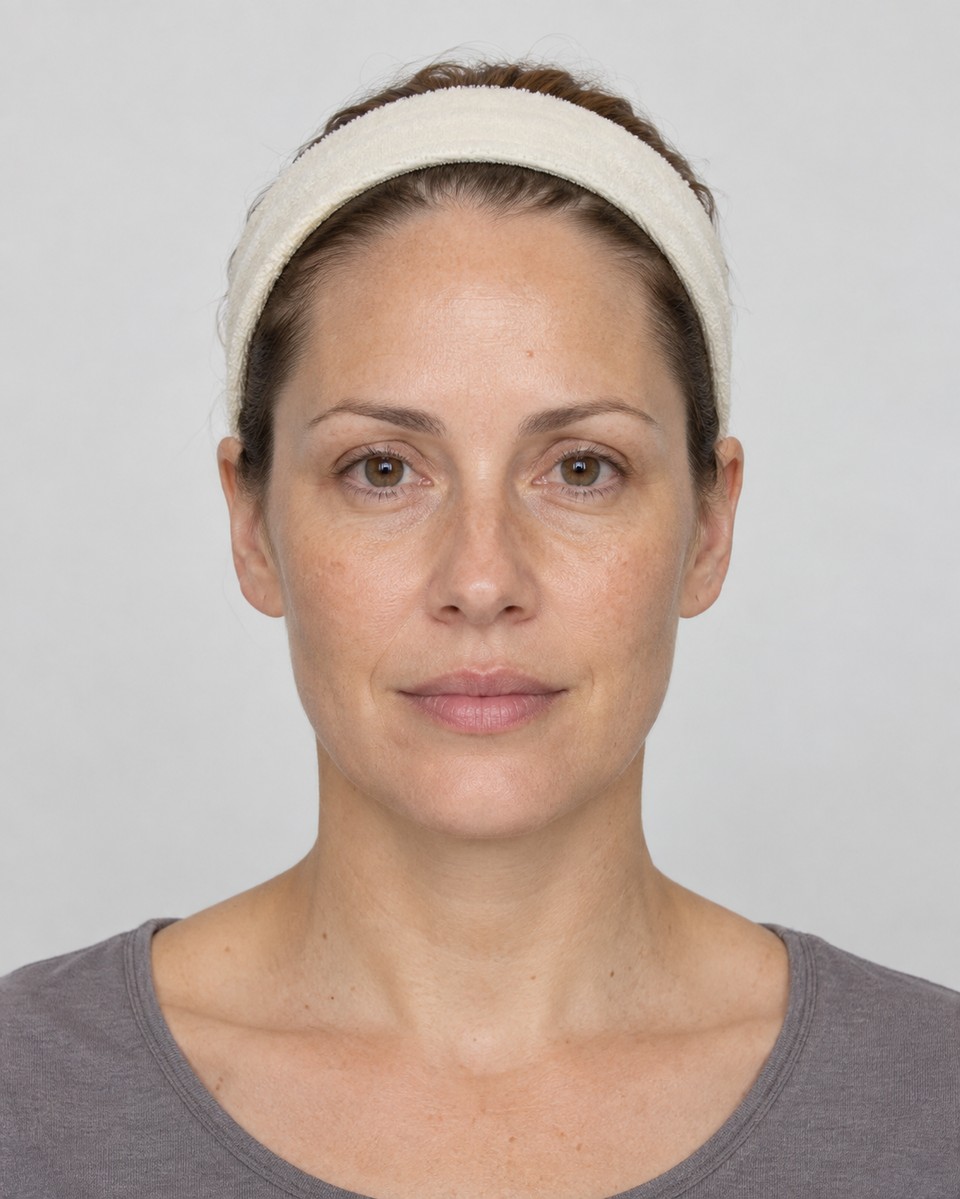
Grade a finding beside the patient’s photograph. Draw an explanatory annotation on the photo, or choose the face diagram. Keep the selected image and its date attached to the discussion, with earlier photographs available to review.
- A shared grading vocabularyUse Mild, Moderate, Severe or N/A for the relevant findings. The practitioner records and interprets each grade.
- Photo or diagramSwitch deliberately between the patient’s photograph and the face diagram. Annotations stay with the image they were drawn on.
- Saved with the noteAssessment edits and drawings remain part of the clinical note. Saving that note records the assessment.
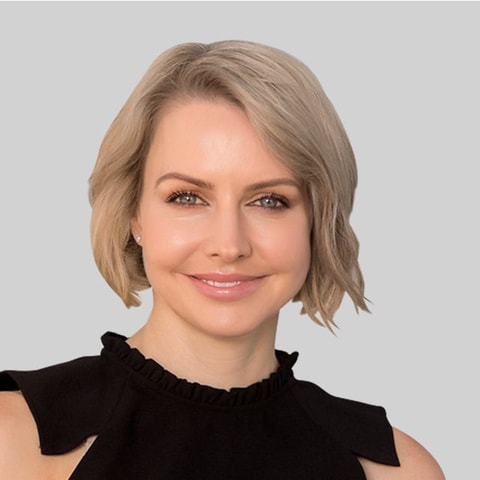
“A good assessment starts with listening. What matters to the patient and what we observe clinically are different perspectives. Bringing both into the conversation is how we arrive at a plan the patient understands.”
The next visit
See what changed. Keep what matters.
Return to the previous assessment, compare recorded grades and focus on changed findings. Copy last-visit grades into fields that are still ungraded, then review them. Findings you have already entered today stay in place.
Compare what was recorded, then copy only the ungraded fields you want to carry forward.
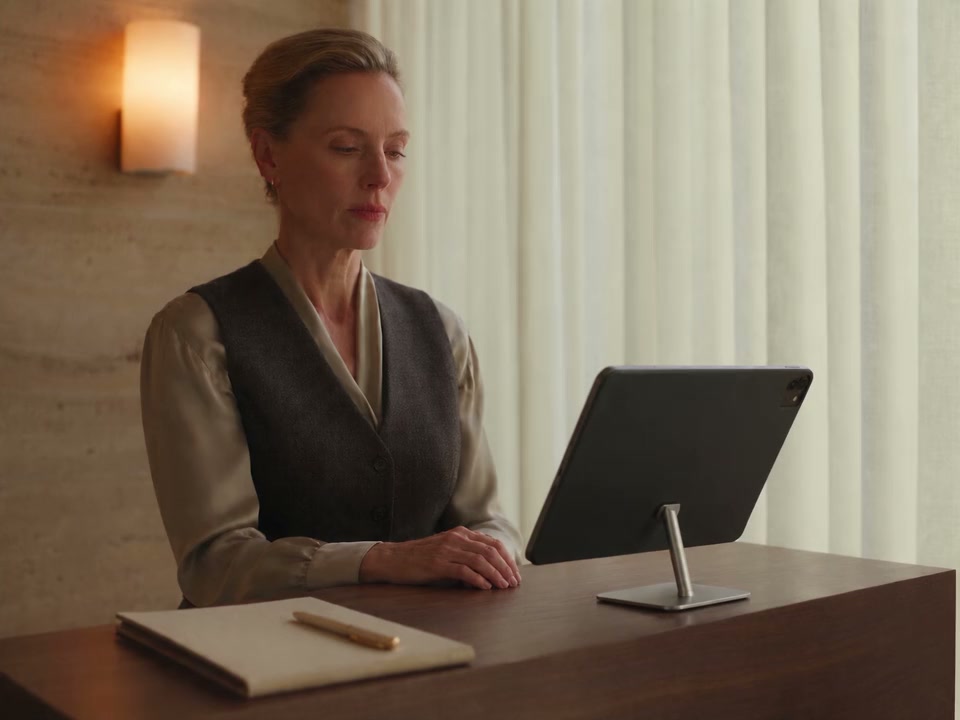
Review the patient’s earlier record and decide what needs to be reassessed.
- Changed-only reviewSee lower, higher and newly recorded grades with their previous-visit context. A change in rating is not proof of a treatment effect.
- Deliberate carry-forwardCopy the previous grades within a group without replacing today’s entries. Undo the copied values when needed.
- A prompt to reassessSet your clinic’s reassessment interval and see when the patient’s assessment is due for review.
From assessment to plan
Relevant suggestions. Your clinical decision.
Your clinic sets assessment rules on its treatment plan templates. Matching concerns, finding grades and optional Fitzpatrick criteria bring relevant templates into view, alongside items already on the patient’s plan. The practitioner reviews the suggestion and chooses what to add.
- Rules your clinic authorsConnect templates with patient or clinician concerns, finding severity and relevant Fitzpatrick criteria.
- Existing items stay visibleSee what is already on the plan, including its booking status, before adding the missing items.
- Addition is a deliberate actionA matched recommendation does not automatically become a treatment plan, booking or clinical decision.

One connected record
Keep the consultation with the patient.
The assessment sits inside the clinical note, with the patient’s photographs and treatment plan close by. Keep the structured findings, explanatory drawing and practitioner’s note together, instead of rebuilding the same context across separate forms, image folders and recommendation sheets.
- A record the next practitioner can reviewSaved assessments provide dated context for the patient’s next consultation.
- A plan the patient can followOnce the practitioner adds an agreed plan, it can continue into the clinic’s branded patient app.
Recorded activity
Understand what reaches the plan.
The Assessments & Recommendations report shows recommendation opportunities, additions to plans and action rate. Review activity by clinician and month, and filter by location to give the team a shared starting point for discussion.
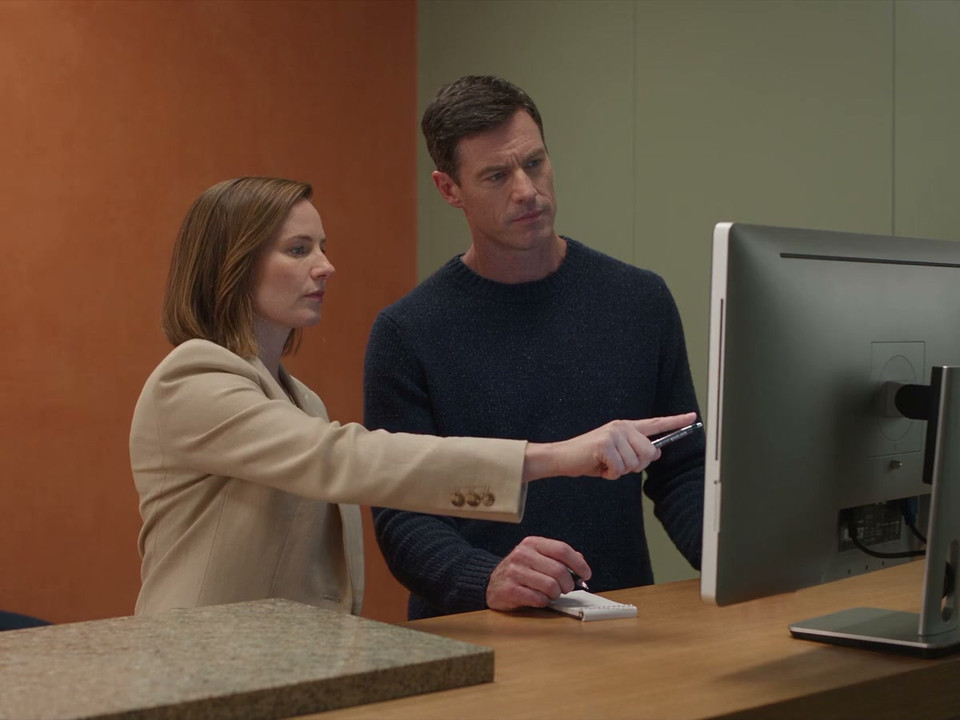
Discuss the recommendations and plan additions behind the report.
- Opportunities and additionsAn opportunity is a recommendation shown that was not already on the plan. Actioned means added to a plan, not booked, purchased or delivered.
- Assessment activitySee assessment-data presence on saved consultation and treatment notes. Completion does not show that every finding was graded or indicate the quality of care.
Trust and compliance
Structure supports judgement. Your team stays in control.
A consistent assessment gives the clinic useful context. The practitioner remains responsible for what is observed, what is recorded and which next steps are appropriate.
Feature availability depends on your plan, enabled features and access permissions.
- Hosted in Australia
- Encrypted storage
- Practitioner-led assessment
- A photograph or grade does not create an automated diagnosis. Your practitioner interprets the findings and discusses appropriate next steps.
- Deliberate recommendations
- Your clinic authors template rules. A practitioner reviews a match and chooses whether to add it to the plan.
- The saved note is the record
- Closing the assessment editor does not independently save it. Assessment data and drawings are recorded when the clinical note is saved.
- Controlled access
- Clinical-note and image permissions govern assessment work. Treatment-plan permissions govern the connected recommendation workflow.
Before you start
FAQs
Explore how structured assessments fit your consultations, your team and your existing treatment plans.
How can assessments help our practitioners work consistently?
A shared structure keeps patient concerns, clinical findings and previous grades together inside the clinical note. Practitioners use the same assessment vocabulary while retaining responsibility for their own observations and treatment decisions.
Can we use our own assessment questions?
The structured assessment uses a fixed clinical catalogue so grades and comparisons remain consistent. Your clinic can set its consultation introduction, reassessment interval and treatment plan template rules. Bespoke questionnaires can sit alongside it in Digital Forms.
Can we use patient intake answers in the consultation?
Patient-reported concerns can prefill a new note. The practitioner reviews those priorities and records clinical primary and secondary concerns separately, so the patient’s input is not mistaken for a clinical finding.
How does the assessment connect with treatment planning?
Your clinic adds assessment rules to its treatment plan templates. Matching templates appear for the practitioner to review with existing plan items and booking status in view. Nothing is added automatically.
Can we compare with the patient’s previous assessment?
Yes. Compare recorded grades, focus on changes and deliberately copy previous values into ungraded fields without replacing today’s entries. The practitioner interprets changes alongside the photographs and treatment history; a changed grade does not establish a treatment effect.
What can the clinic owner measure?
The Assessments & Recommendations report shows assessment activity, recommendation opportunities and recommendations added to a plan, with clinician, month and location context. Actioned means added to the plan, not booked or delivered. Assessment completion reflects data on an eligible saved note rather than every finding being graded.
Do patients complete the assessment in their app?
The structured assessment is practitioner-facing inside the clinical note. Patients can share concerns through intake, and an agreed treatment plan can then be made available through the clinic’s branded patient app.
What will we see in a demo?
Bring an example of your current consultation process and the treatment plans you use. A DappleOS team member can show concern capture, visual grading, reassessment and clinician-reviewed plan suggestions, then discuss how your forms, photos and reporting fit the workflow.
Ask about your consultation workflow.
Explore how structured assessments, your clinic’s templates and the patient record could work together.