Recorded use becomes a stock movement.
Review the product and quantity before saving. The same barcode follows the recorded treatment into the ledger.
Explore product use in clinical notes
Digital drug book for aesthetic and cosmetic clinics
At a glance
A delivery arrives. A treatment is recorded. Stock moves between locations. Bring those movements into a medication record your team can return to, with the detail to understand what changed.
Bring saved medication use into the stock record, with the patient and practitioner attached.
Review the product, batch, expiry, location and history of a recorded item.
See opening stock, incoming and outgoing movements, and the closing balance.
Narrow the ledger by date and location, then follow the relevant transaction context.
Keep stock viewing, adjustments and cost visibility under separate permissions.

Connected to clinical notes
Capture the product used in the treatment note. At locations configured to adjust stock from notes, saving the note records the movement against the patient, practitioner and location.
Review the product and quantity before saving. The same barcode follows the recorded treatment into the ledger.
Explore product use in clinical notes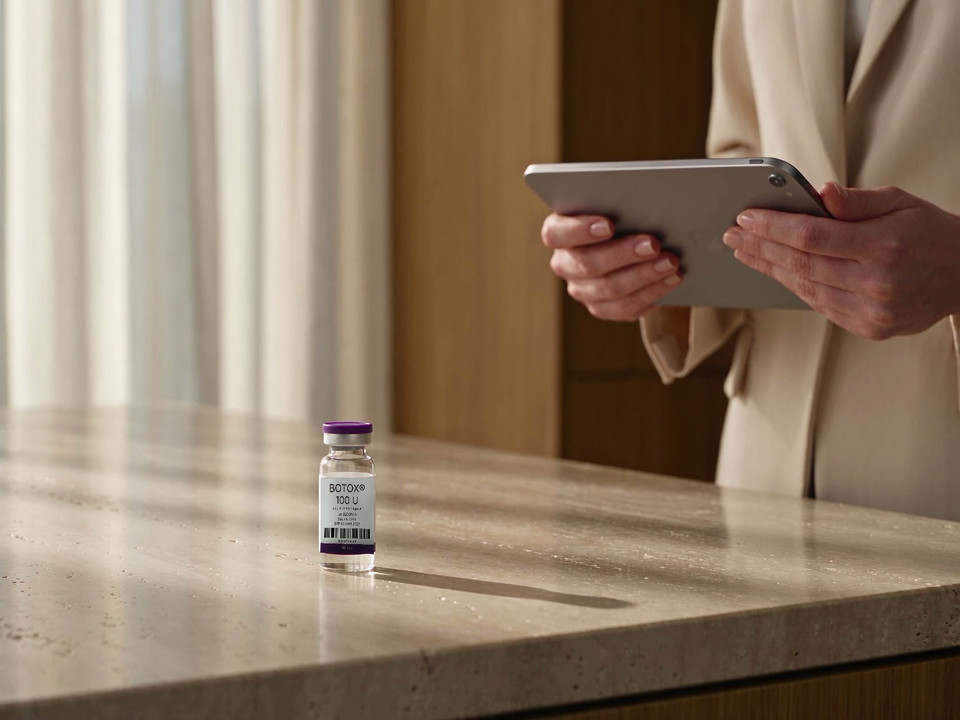
Scan the registered barcode to identify the vial. Scanning captures the product; saved usage records the movement.

“An audit-ready record should not depend on someone piecing together a drug book, stock ledger, scripts, consent forms and PDFs after the fact. DappleOS connects that evidence as the clinic works, while clinical decisions remain with qualified people.”
Barcode-level traceability
Open a barcode and follow the detail: available units, location, supplier, expiry, batch and lot. Review the transactions beneath it to see how the recorded balance changed.

Keep the identifiers entered for the product available when you need to trace it.
Review the recorded date and where the item sits, alongside available units.
Follow recorded receipts, treatment use, transfers and adjustments for the barcode.
Daily reconciliation
Choose a day to see opening stock, incoming and outgoing movements, and the closing balance. Focus on medications with activity, then compare the record with your clinic’s physical checks. Use Stock Control for configured cupboards within locations and authorised corrections to barcode, batch or expiry details.

Opening + incoming − outgoing = closing. Quantities and barcode counts remain separate, so you can review both.
The detail behind a balance
A partially used product and an empty container tell different stories. Keep the configured measure visible, then review the transaction context when a balance needs attention.
For configured measured products, a partial draw changes the remaining amount independently of the container count.
Authorised staff can review the current quantity and proposed result, then record a reason before applying a stock adjustment.
Narrow the transaction list to the activity you are reviewing.
See the barcode, movement type, customer, user and available reason.
Open the relevant barcode, order, transfer or stocktake record.
Reporting and oversight
Use Stock Movements reporting to review activity by day, location, product and movement type. Return to ledger detail when you want to understand the entries behind the totals.
Explore reporting and analytics
Trust and compliance
Give your team the detail to review medication movements, with access matched to their responsibilities.
Feature availability depends on your plan, enabled features and access permissions.
Therapeutic Goods Administration
Keep recorded batch, lot and expiry details available when your team reviews product alerts or recalls. TGA notices remain a separate source to check.
Explore TGA safety noticesYour clinic applies the guidance relevant to each practitioner and treatment. Clinical decisions and compliance remain with your team. DappleOS is not endorsed by these regulators.
Before you start
A closer look at the workflow, the records and the controls around your medication stock.
The Digital Drug Book brings Schedule 4 medication stock movements into two views: Transactions and In/out. Review the recorded date, barcode, medication, movement type, quantity, location, customer, user and reason, or choose a day to see opening, incoming, outgoing and closing balances.
Scanning identifies the registered product. The practitioner then records the quantity used in the treatment note. At locations configured to adjust stock from notes, saving the note creates the stock movement. Scanning, drafting usage, saving the note, billing and payment remain distinct actions.
Open its barcode record to see available units, location, expiry, supplier, batch and lot details, where recorded, alongside transaction history. The record can also show assigned patients where relevant. An allocation is separate from recorded treatment use.
Choose a date in the In/out view and review opening stock, incoming movements, outgoing movements and closing stock. You can focus on items with activity. Your team compares these recorded balances with its physical checks and investigates differences using the transaction history.
Yes. Configured products can track available units or a remaining measured quantity separately from the barcode count. A partial draw can reduce the remaining amount without recording a whole container as used up. The daily view keeps the configured measure and the barcode count distinct.
The ledger identifies different movement types, including transfers, orders, stocktakes, treatment use, invoices and adjustments. Barcode history provides further context, including transfer detail. Authorised staff can make a stock adjustment and add a reason after reviewing the proposed quantity.
The Stock Movements report brings ledger activity into views by day, location, movement type and product, with ledger detail underneath. The Stock report covers stock on hand, value, age, expiry and negative stock. These are operational reporting views, separate from the Drug Book’s daily medication balances.
Clinical notes capture treatment use and create the configured stock movement when saved. Injectable scripting manages requests, prescriber review and script status. The Digital Drug Book records medication stock activity; it does not make prescribing decisions or replace your clinic’s responsibilities.
Explore how the records connect for your clinic.