AUS

Choose your country

AustraliaGlobal website

Online skincare stores for aesthetic and cosmetic clinics

From your clinic. To their everyday.

Keep your skincare range connected to the people you care for. Give patients a store in your brand, a way to shop from their plan and a clear choice of collection or delivery.

A store in your brand

A familiar place to find their skincare.

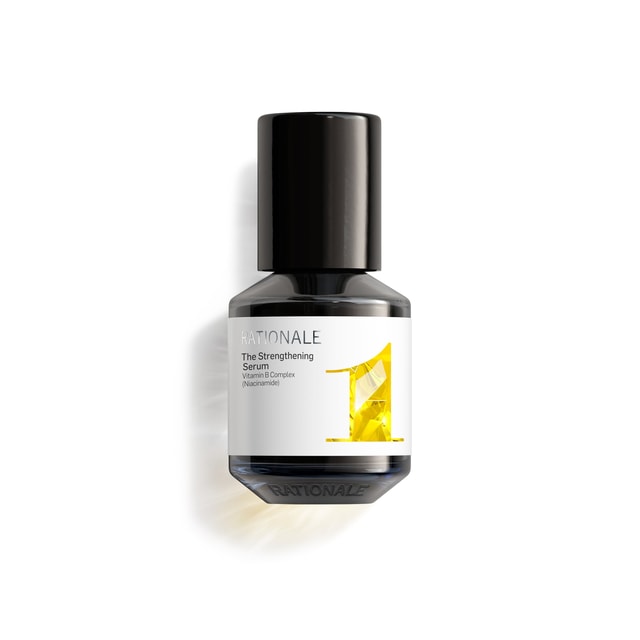
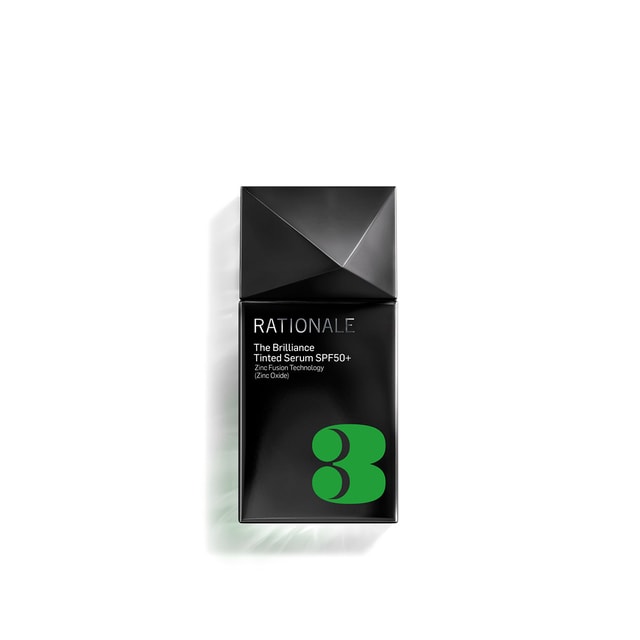
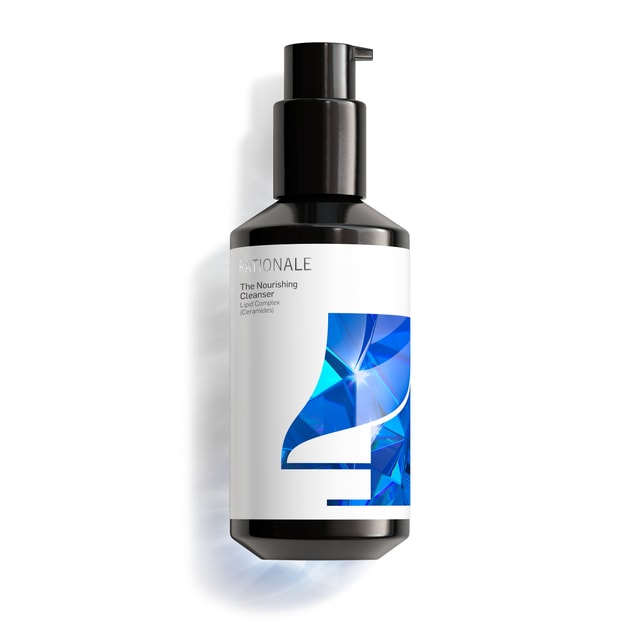
Patients can search your online range, browse categories and open a product to see its photography, description and price. Your clinic’s identity stays with the experience.

  • Products, presented clearly

    Use your catalogue’s product images and information, with prices shown in the shopper’s currency.

  • Connected to your clinic

    The store sits within your branded patient experience, alongside the relationship you have already built.

Explore your branded patient app
Your range.
Your recommendations.
Your clinic’s identity.
A clinic team member checks a skincare product beside a laptop

A familiar clinic.
A convenient next step.

Keep the product information and the place to purchase together.

Advice they can act on

From their routine. Into their cart.

Patients can add a product directly from the skincare part of their plan. The AM and PM routine, your notes and product status stay in view, while a quantity control shows what is in the cart.

  • Keep the recommendation close

    Patients do not have to reconstruct their routine from a separate shopping list.

  • Added is not purchased

    A cart quantity records intent to buy. It does not change a product’s status to Purchased.

Explore treatment and skincare planning

Collection or delivery

Their choice. The total, in view.

Patients choose from your configured delivery or collection options before payment. Keep the products, delivery charge, any discount and total together, with your checkout message and returns policy.

A patient collects a prepared skincare shopping bag from the clinic counter

Ready to collect.
Still your clinic.

Collection is part of the shopping experience, with its own location and order context.

Collection has its own place

A patient can choose an available clinic collection option instead of having the order shipped.

Payment follows the choice

The chosen fulfilment option supplies the clinic billing context before payment is prepared.

Explore payments and invoicing

Behind every order

Pick it. Check it. Keep the next step clear.

Open the patient’s order to review items and quantities still to ship. Enter the quantities, scan barcodes and check the shipment with a tracking reference before creating it.

  • Ship what is ready

    Partial shipments retain the items and quantities still outstanding. Pending, Partially shipped and Shipped remain distinct.

  • Check before creating

    The shipment screen validates the items and requires a tracking reference. A barcode check alone does not create a shipment.

Explore stock management
A clinic team member carefully packs skincare products into a parcel

The order stays connected

One cleanser ships. The serum remains outstanding. The status reflects the partial shipment.

Check the items before creating the shipment

Quantities, barcodes and tracking stay together, with a separate action to create the checked shipment.

Delivery follow-through

A label is one step. Booking is another.

For customer orders using Shippit, the order exposes carrier labels, booking and tracking. Your team can see whether a shipment is booked and choose the next action from the record.

  • Deliberate carrier booking

    Printing a label can prompt the team to book with the carrier. Printing and booking remain separate actions.

  • Tracking with the order

    Shipment references and tracking stay connected to the products and patient they belong to.

When an order changes

Make the correction. Keep the context.

Authorised administrators can record an order refund with an amount and reason. The record keeps who processed it and its result, so a pending request is not mistaken for a successful refund.

  • An amount that is checked

    The refund is limited by the remaining refundable amount and requires a reason.

  • The result stays visible

    Refund history distinguishes Pending, Success and Failed. A successful provider result is different from a physical return of goods.

Explore connected billing

Order visibility

One order. The detail behind it.

Keep the patient, items, invoice, shipments, tracking and refund history together. Review the order’s actual status and next action without piecing its story together from separate messages.

A clinic professional checks a product carton beside the order workstation

The detail behind
the next action.

Patient, product and order context stay close to the work.

Patient and paperwork

Open the patient context and the order’s invoice or packing slip.

Fulfilment and corrections

Review each shipment and its tracking reference alongside the refund history.

Explore reporting and analytics

Trust and compliance

Clear choices. Deliberate actions.

Give patients a clear checkout and your team a traceable order, while keeping payment, shipping and corrections in their proper states.

Feature availability depends on your plan, enabled features and access permissions.

  • Hosted in Australia
  • Encrypted storage
Explore our Trust Centre
Your catalogue and configuration
Product availability and configured fulfilment options shape what patients see and how they receive an order.
A clear checkout
Collection or delivery is selected before payment, with the currency and total visible.
Checked fulfilment
Shipment quantities, barcode checks and tracking precede creating the shipment.
Permissioned corrections
Refund actions are available to administrators and validate the amount and reason. History retains the recorded result.

Your questions, answered

FAQs

Explore how your products, patient experience and fulfilment workflow could work together.

Can our online store use our clinic’s branding?

Yes. The patient-facing store uses your clinic’s branded experience, with product photography, descriptions, categories and search. The demonstration can show how your range would be presented.

Can patients shop from their skincare plan?

Yes. Patients can add products from the skincare routine in their plan, alongside the practitioner’s notes and product status. Adding a product changes the cart quantity; it does not by itself mark the product as purchased.

Can we offer collection as well as delivery?

Yes. Checkout can present the collection and delivery options configured for your clinic. Patients choose an option before payment, so the order has the appropriate billing and fulfilment context.

What can patients review before paying?

Checkout brings together the delivery choice, payment, product subtotal, delivery charge, applicable discount and total. Your configured checkout message and returns policy can be shown in the same flow.

Can our team create partial shipments?

Yes. The shipment screen shows remaining quantities, accepts barcodes and checks the proposed shipment with a tracking reference. Creating a partial shipment leaves the outstanding quantities visible on the order.

How do carrier labels and tracking work?

Where Shippit is connected and available for the order, authorised staff can use carrier-label, booking and tracking actions. Carrier and delivery options depend on that configuration. Printing a label and booking with the carrier are separate steps; the shipment record shows the booking state.

Can we review refunds and the history behind an order?

Yes. Administrators can process a refund within the available amount and record a reason. The order retains refund history and its Pending, Success or Failed result, alongside patient, item and shipment details. A refund request does not itself confirm settled funds or returned stock. In a demo, we can walk through these states with your team.

Ask DappleOS

Explore the patient experience and the practical work behind each order.

Talk it through with our team