
AUS

Choose your country

AustraliaGlobal website

Planning for Australian aesthetic and cosmetic medicine clinics

Plan treatments and skincare in one place.

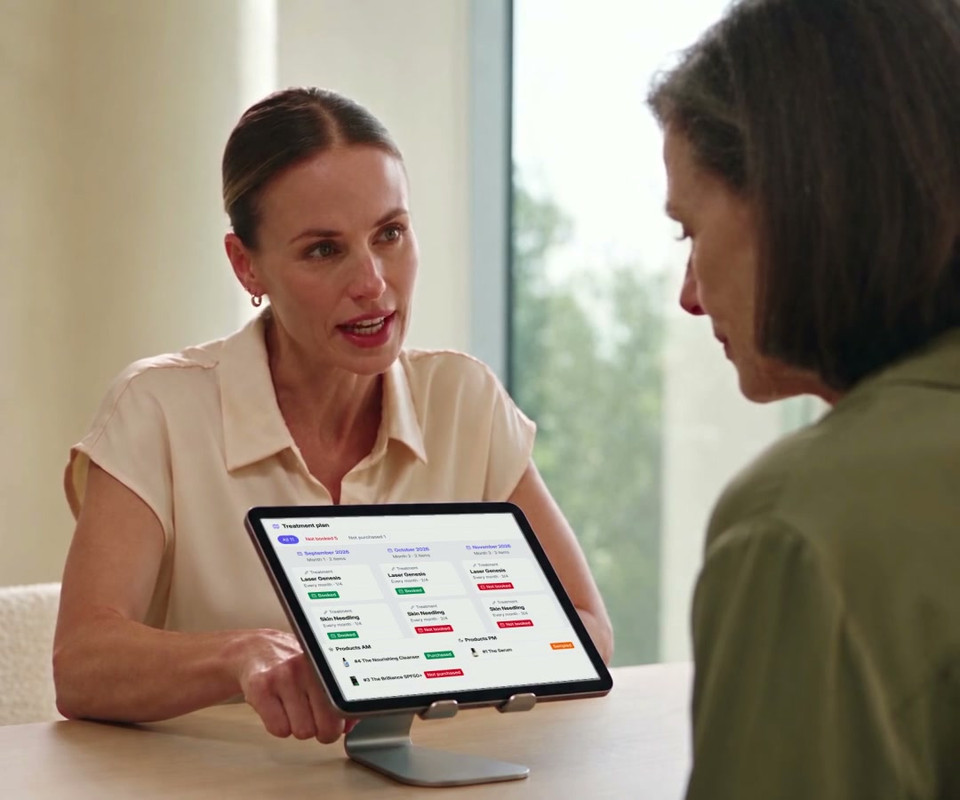
Bring treatments and skincare together in a patient plan. Practitioners review the recommendations, patients can see their agreed next steps, and the team can follow recorded booking and purchase activity between visits.

Recreated treatment plan across September to December, with booked and unbooked treatments and purchased, sampled and unpurchased skincare.

A deeper look

Follow the patient from assessment to an active plan.

Start with a consistent assessment, review the relevant clinic-authored plan, review connected activity and use recorded status to guide follow-through.

Step 01

Build a consistent clinical assessment

Capture the patient's concerns, Fitzpatrick type and graded findings within the clinical-note workflow. Practitioners can work with the patient photo, drawing tools and previous imagery, then compare the current assessment with what was recorded before.

Patient concerns and Fitzpatrick type
26 gradable findings in five groups
Photo, drawing and previous-image tools
Changes in recorded assessment grades
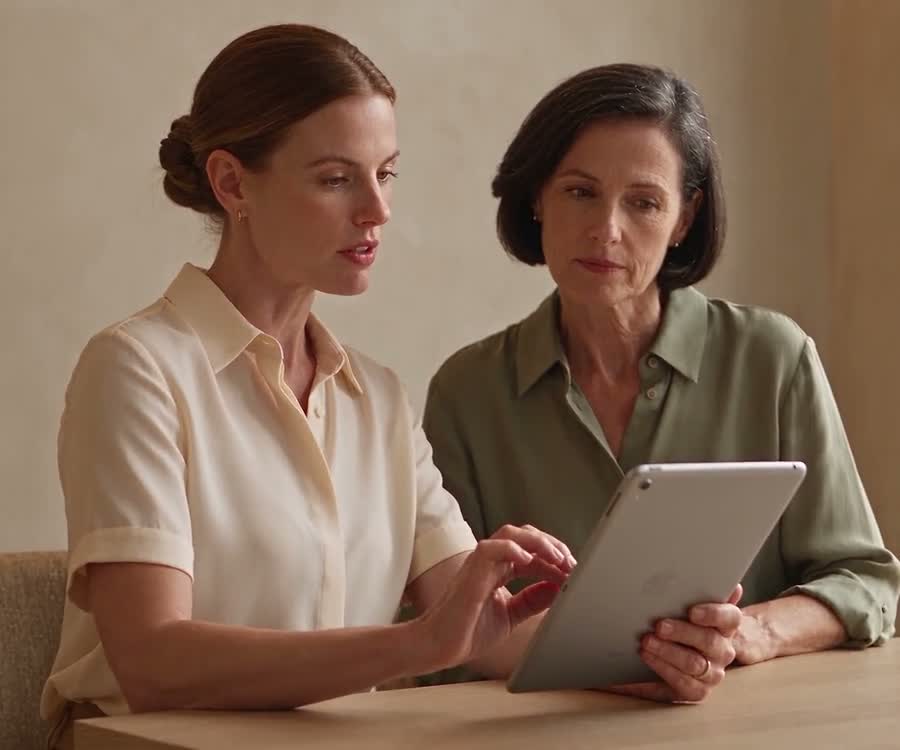
Illustrative footage of a practitioner and patient looking at an iPad together in a consultation.
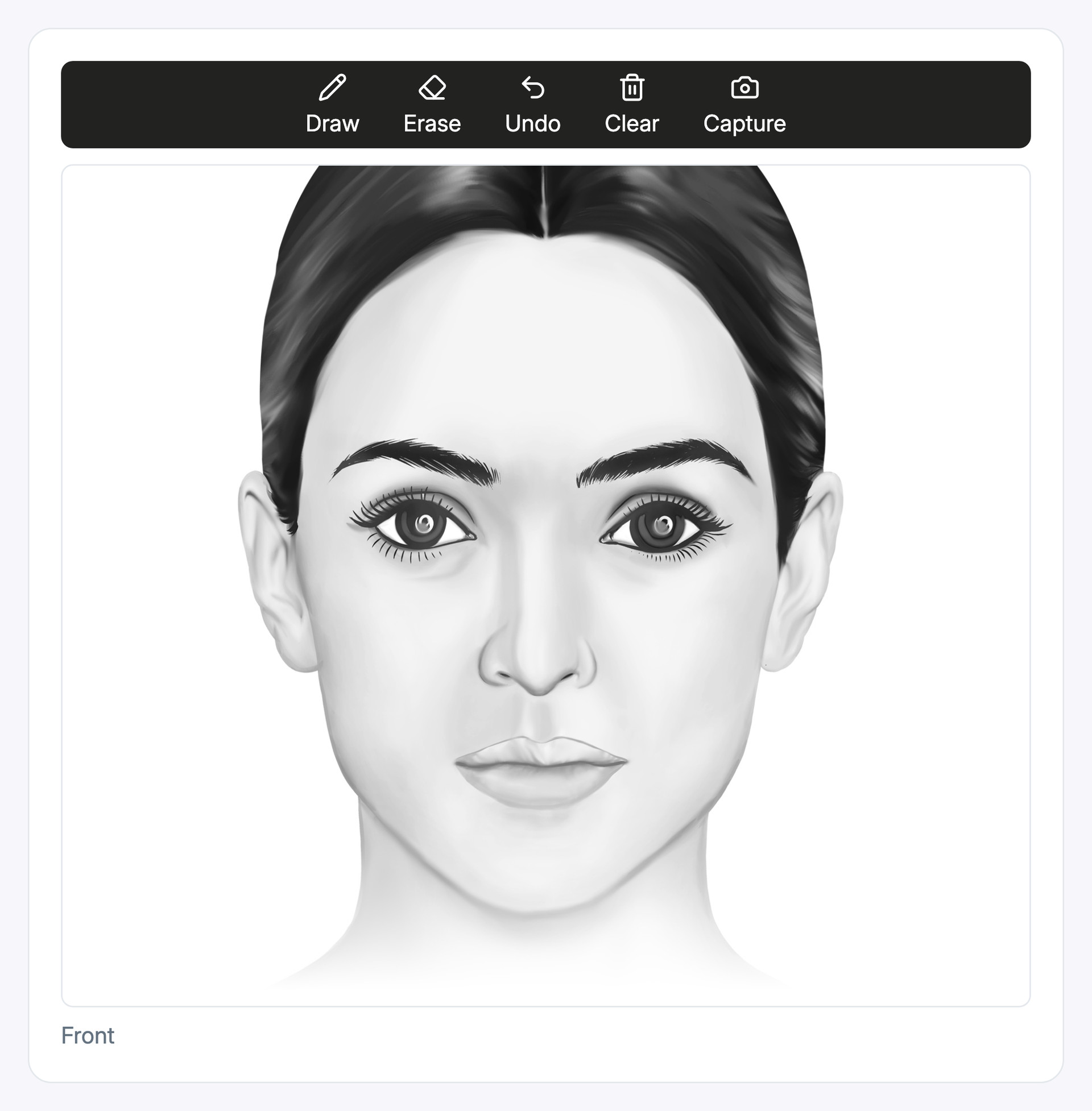
Recreated digital mirror alternating between a facial diagram and a synthetic model portrait, with drawing tools and example markings.

Digital mirror

Use the default facial diagram or the patient's profile photo to mark and discuss areas of concern.
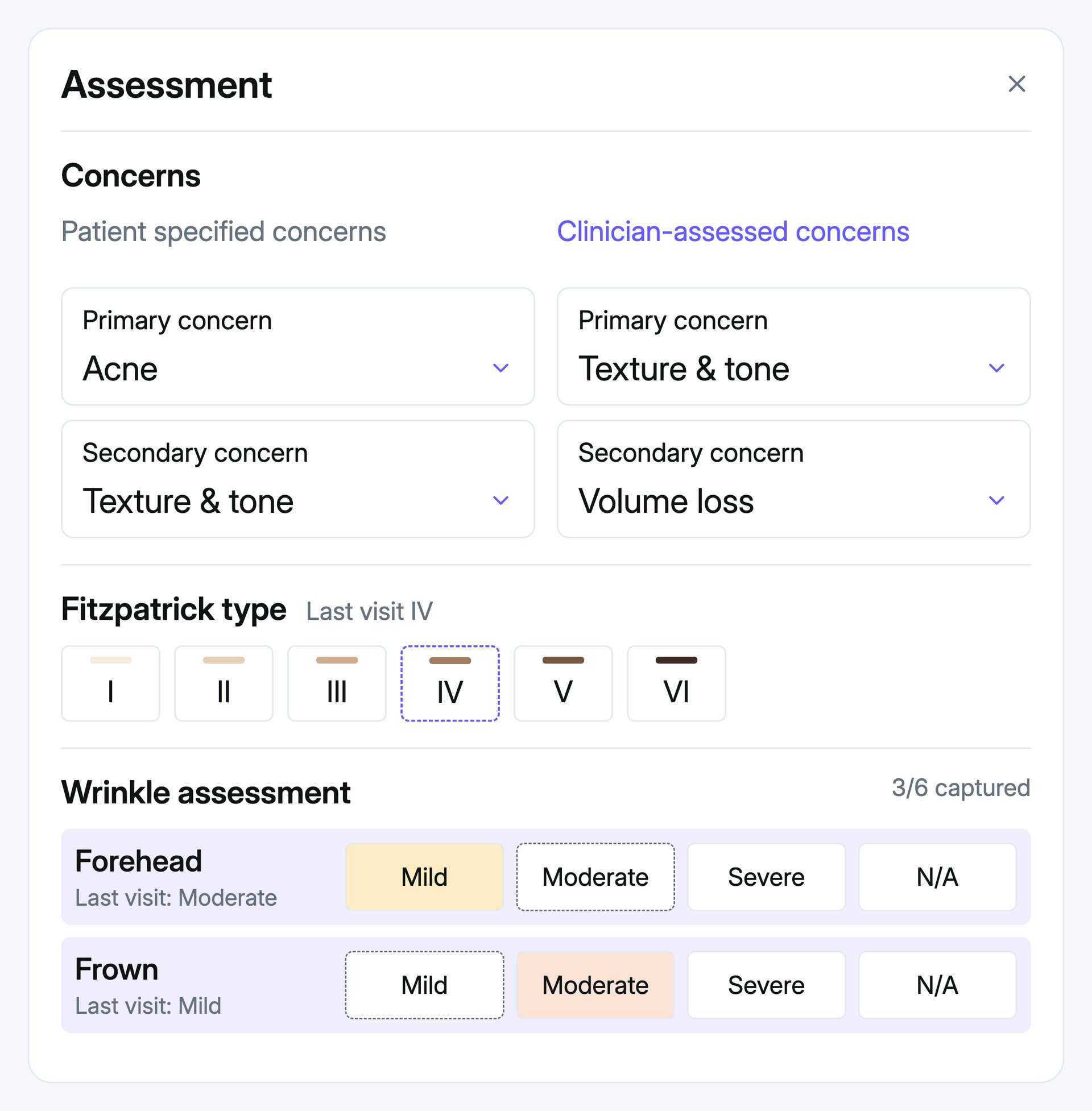
Recreated assessment showing distinct patient and clinician concerns, Fitzpatrick type and recorded wrinkle grades.

Clinical assessment

Record concerns, Fitzpatrick type and gradable clinical findings, then compare the recorded grades with previous visits.
Step 02

Turn the assessment into a practitioner-reviewed plan

Start with a clinic-authored template, or review recommendations prompted by the assessment. In both workflows, the practitioner reviews the treatments, skincare and timing, then chooses what to add to the plan.

Clinic-authored treatment plan templates
Rules for concern, severity and Fitzpatrick type
Relevant plan and booking status
Practitioner review before a plan is applied

Review earlier treatment notes and recorded product purchases or samples before deciding what belongs in the next plan. Your clinic controls the treatment-planning questions and matching rules used to surface relevant templates.

Treatment plan

Recommended from assessment

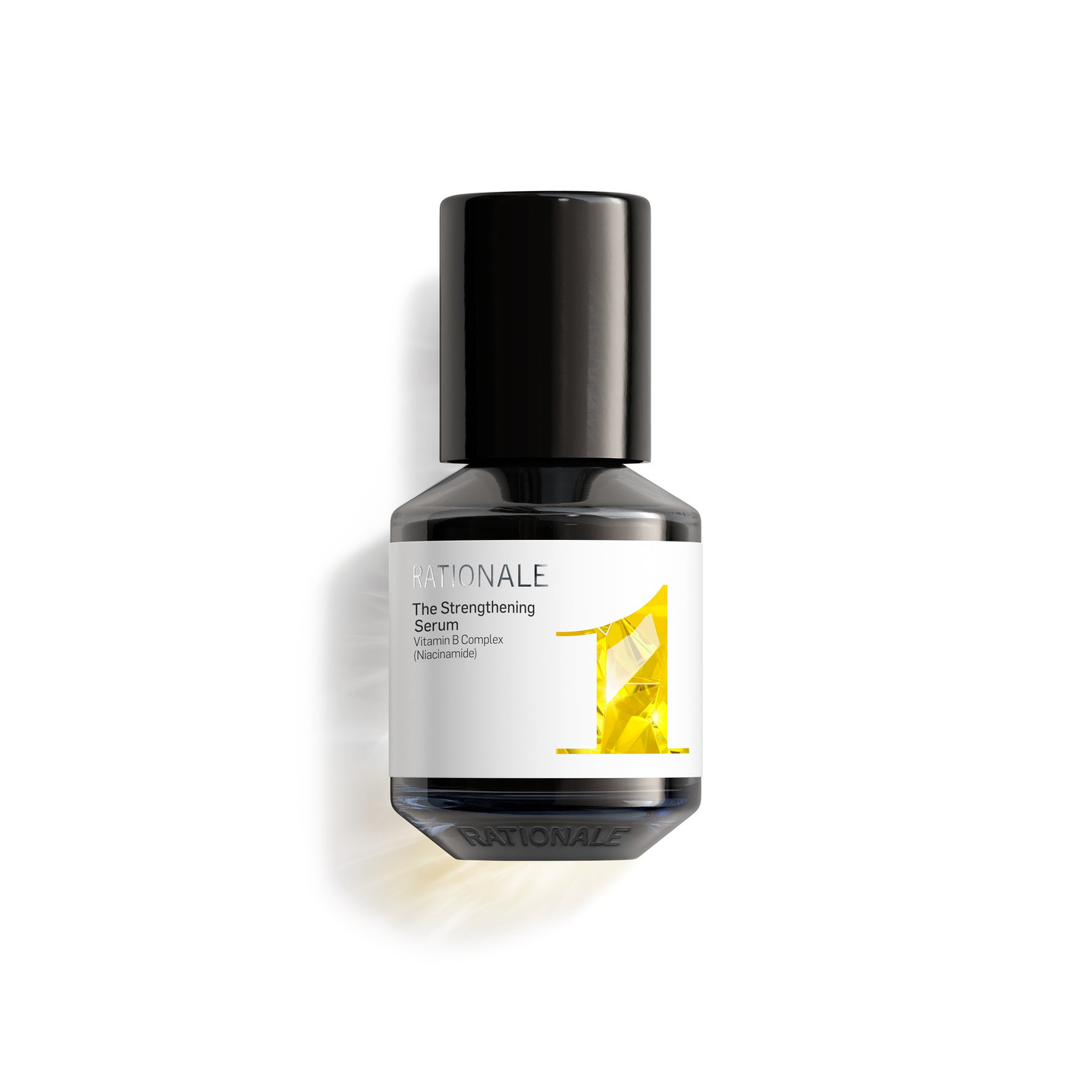
#2 The Serum

PM routine

+ Add to PM

LED Light Therapy

Treatment · October

October 2026

Review a recommendation to add it here
A recommendation is a prompt. The practitioner chooses.

Skincare planning

Make skincare part of the plan.

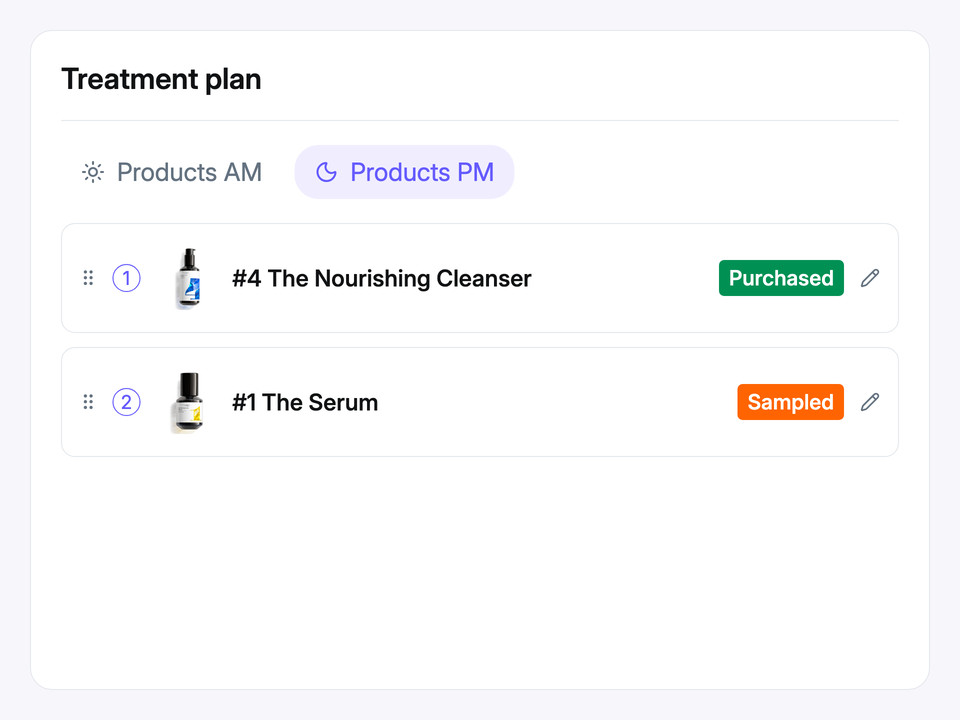
Plan skincare alongside treatments, with AM and PM instructions, recorded samples and purchase status visible to the team.

Keep a record of what the patient has tried. Estimated run-out timing can support the next conversation about their routine.

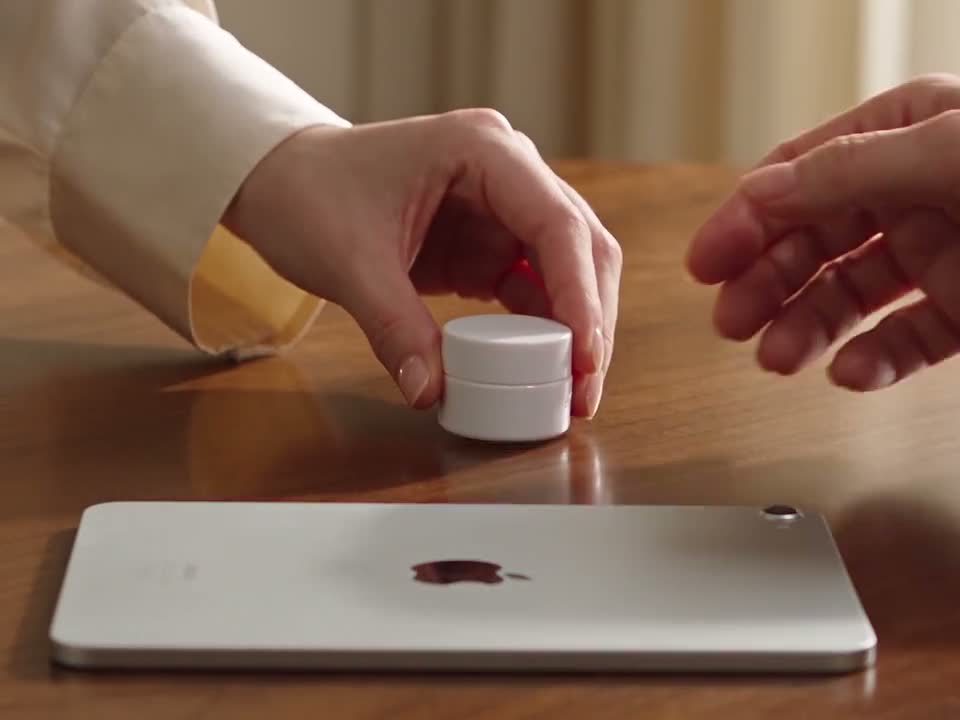
Illustrative footage of a practitioner handing a skincare sample to a patient beside an iPad.
Ordered AM and PM skincare routines showing multiple products with Purchased, Sampled and Not purchased statuses.

Step 03

Keep the plan live and visible to the patient

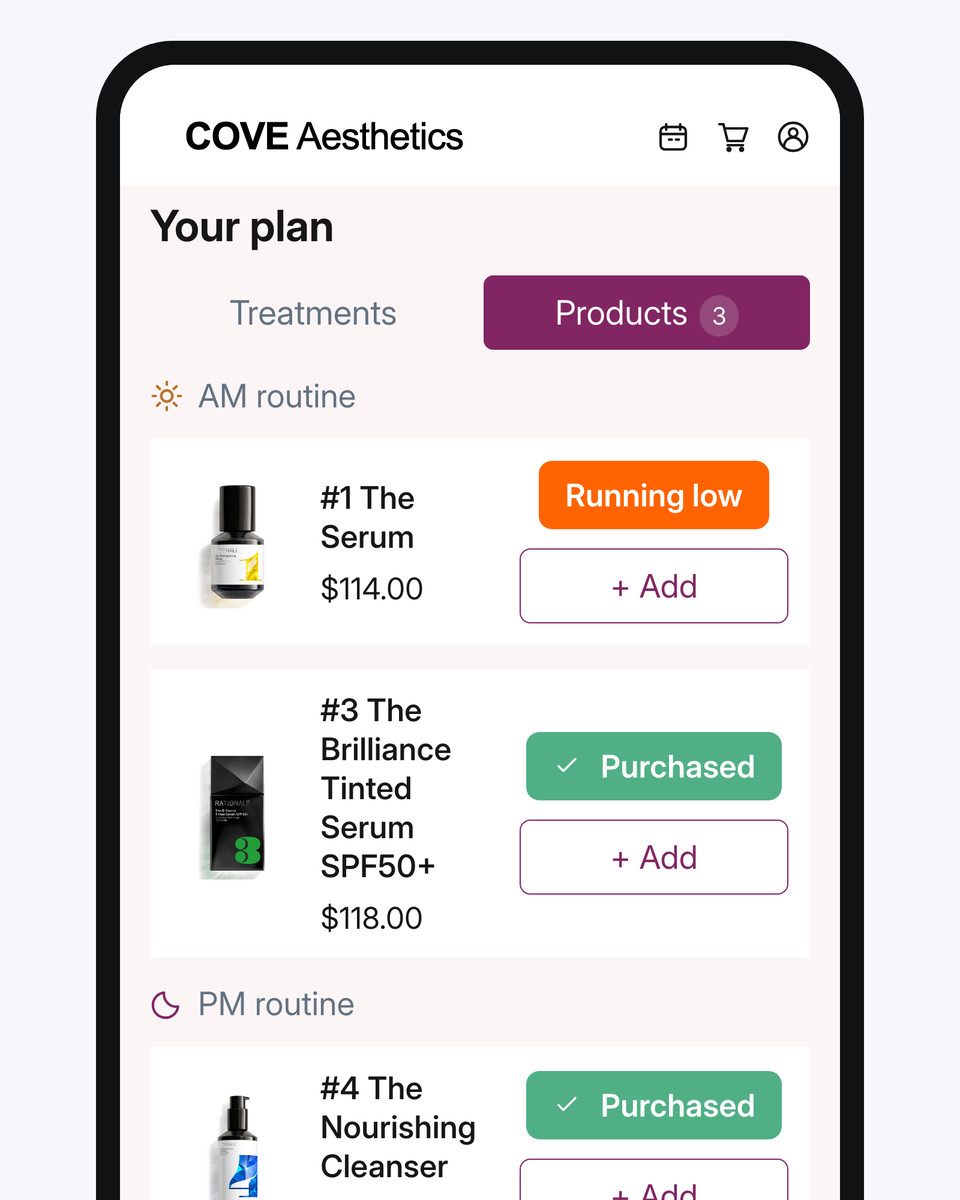
Build a visual month-by-month plan for treatments, skincare, reviews and events. Booking and purchase activity inside DappleOS updates each status, while the patient can follow their treatments, skincare and next steps through the clinic's branded patient app.

Open the booking workspace for unbooked sessions and share the agreed journey with the patient. Booking and purchase status describe recorded activity; run-out timing is an estimate based on purchase history and configured intervals.

Explore online booking
Treatments, skincare, reviews and events
AM and PM skincare instructions
Booking, purchase, sample and run-out status
Clinic-branded patient app and plan sharing
Ava Aesthetics demonstration app showing planned treatments and skincare products, followed by a cart addition.
Suzie Hoitink RN, FACN
“A strong consultation can still lose momentum when the treatment plan, booking and follow-up live in different places. We built DappleOS so the patient and the team can see the agreed next step.”
Suzie Hoitink RN, FACNCo-founder and clinical advisory board member

From status to conversation

Use each status to guide the next conversation.

See where the patient is up to, then make the next conversation relevant. Select a status to explore what it means and what your team could say.

1Read the plan

Treatment plan

October 2026

Treatment

LED Light Therapy

Every week · Week 1 of 4

Not booked

2Make it personal

Start the conversation

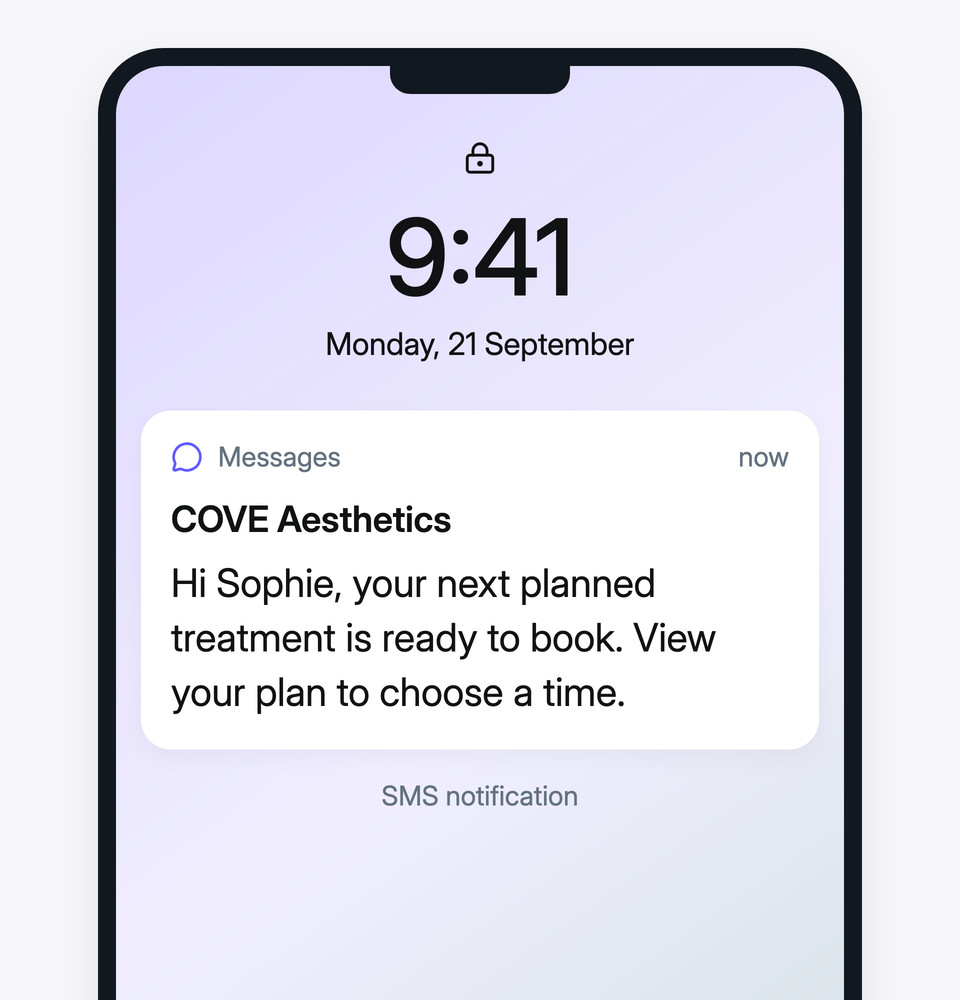
“Your next planned treatment is ready to book. Would you like to find a time?”

3See the bigger picture

Clinic measures to watch

Utilisation

How much appointment capacity is booked

Visit frequency

How often patients return

Step 04

Follow through and measure what happens next

Use live plan status to guide appointment-due, sample follow-up, product repurchase and plan-complete journeys. Configured journeys can recheck relevant booking or purchase status and stop when their exit conditions are met. The clinic reviews the audience, copy and timing before activation.

Appointment-due follow-up
Sample and product repurchase follow-up
Recommendation-to-action reporting
Plan adoption and run-out reporting
Email
SMS
Push notifications
Example messages: a planned treatment SMS notification, a sample follow-up text and a skincare reorder email.

Trust and compliance

Practitioners choose what goes on the plan.

Recommendations are a prompt for the practitioner to consider. The practitioner makes the clinical decision and chooses which treatments and skincare to add to the final plan.

Feature availability depends on your plan, enabled features and access permissions.

  • Hosted in Australia
  • Encrypted storage
Explore our Trust Centre
Recommendations are prompts
A matching recommendation stays a suggestion until the practitioner chooses to add it to the plan.
Permission-controlled access
Clinic roles control who can assess patients and create or change treatment plans.
Traceable plan history
Plan history records what changed, who changed it and when.
Clinic-controlled configuration
Your clinic authors the templates and questions, and automations stay switched off until reviewed and activated.

Before you start

FAQs

Understand what is standard, what your clinic configures and where practitioner review stays part of the workflow.

How does treatment planning help a growing team work consistently?

Shared assessment language and clinic-authored templates give practitioners a repeatable starting point, while each practitioner chooses what belongs on the patient’s plan. The next team member can review the agreed journey, earlier treatment notes and recorded purchase or sample activity. That history provides context for the next plan; a booking or purchase alone does not prove treatment was delivered or a product was used.

How does the assessment connect to treatment-plan recommendations?

DappleOS matches recorded concerns, severity and relevant Fitzpatrick criteria to active clinic-authored templates. Practitioners review matching suggestions alongside existing plan and booking status, then choose whether to add missing items. A suggestion is not automatically applied.

What can our clinic configure?

The clinical-note assessment uses a standard catalogue of concerns, Fitzpatrick types and graded findings. Clinics separately configure treatment-planning questions, plan templates, matching rules, product repurchase intervals and follow-up copy. Previous assessment comparisons describe changes in recorded grades, which the practitioner interprets.

How does the treatment plan stay up to date?

Booking status uses connected appointment records. Product purchase and sample status use recorded activity, while estimated run-out timing uses purchase history and configured repurchase intervals. These are different stages: an agreed recommendation, a booking and a purchase do not by themselves confirm a treatment was delivered.

Can patients see their treatment plan?

Yes. Share a branded plan PDF or make the agreed plan available in the clinic’s branded patient app. Patients can follow treatments, skincare and next steps. The demonstration can show the patient-facing detail and price-visibility settings for the plan formats your clinic uses.

Can follow-up stop when a patient books or purchases?

Configured plan journeys can check relevant booking or purchase status and stop when their exit conditions are met. Ready-made automations are supplied switched off. The clinic reviews the audience, message content, timing and exit conditions before activation.

What can owners measure about plan follow-through?

Reporting can separate tracked recommendations added to a plan from subsequent booking and purchase activity. Recommendation action rate concerns plan additions, not treatment delivery. The available plan dashboards and filters depend on the clinic’s enabled reporting setup; review their definitions before comparing teams or locations.

What should we prepare before a demonstration?

Bring an example of your consultation, treatment and skincare plan, plus the follow-up process you want the team to use. We can map the shared templates, practitioner decisions, patient view and reporting you need for one clinic or connected locations.

Ask DappleOS

Ask how assessment, treatment plan setup and live status could fit your clinic's workflow.

Talk it through with our team